
How to share your new website and start gaining visibility
By Catalina Valverde

Launching a website is an important step, but the work does not end when the site goes live. In many ways, that is when a key part begins: helping more people find it, visit it, and understand what your business offers.
Not every business has an SEO expert, a marketing agency, or a large social media audience. That is fine. There are simple actions any business can take from day one to improve the visibility of its website.
This guide is for clients, entrepreneurs, and businesses that have just launched a site or are starting to build their digital presence.
Share your site with a clear intention
It is not enough to post the link and say “we have a website now”. It is better to explain what someone can do once they open it.
Reference line for WhatsApp or social media:
Our website is now live. You can learn about our services, see updated information, and contact us directly here: [your link]Another more direct option:
If you want to learn more about what we do, you can now visit our website here: [your link]And if you sell specific products or services:
We launched our new website so you can see our services, prices, hours, and contact options in one place: [your link]The idea is to give context to the link. People click when they understand what they will find.
Update all your digital profiles
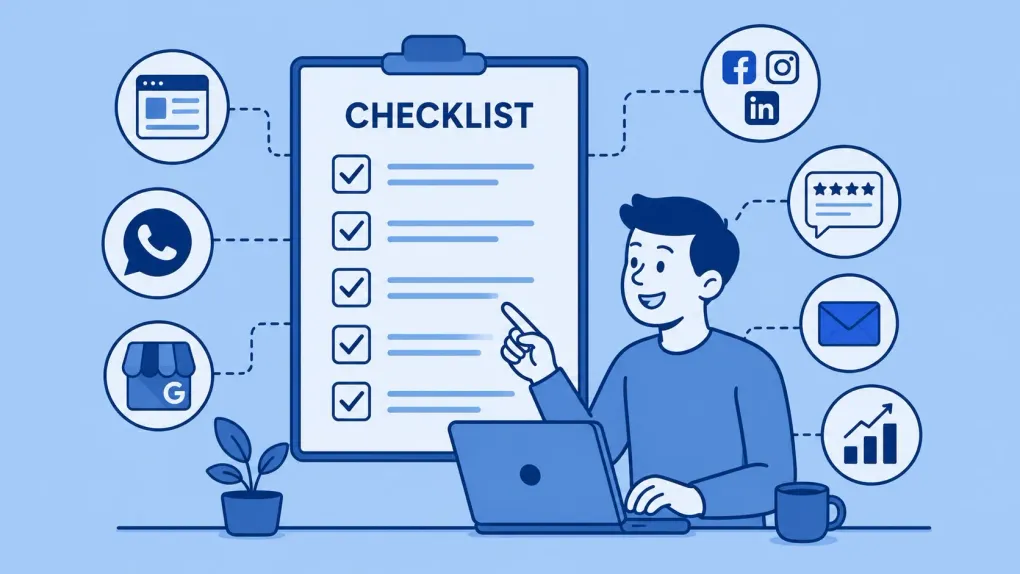
Your website link should appear everywhere your business already shows up.
Review and update:
- TikTok
- WhatsApp Business
- Google Business Profile
- Email signature
- PDF catalogs
- Digital business cards
- Local directories
- Platforms where you already have a presence
Reference line for social media bios:
Official website: [your link]Reference line for WhatsApp Business:
Learn more about our services on our website: [your link]Reference line for an email signature:
Visit our website: [your link]This seems basic, but many businesses launch a site and then leave old links or outdated information in their profiles, emails, and social channels.
Claim and complete your Google Business Profile
For local businesses, Google Business Profile is one of the most important tools. It helps people find your business in Google Search and Google Maps.
Complete the main information:
- Business name
- Correct category
- Address or service area
- Hours
- Phone number
- Website
- Services
- Real photos
- Business description
Reference line for the description:
We are a [type of business] in [location]. We offer [main services] with personalized attention and a focus on [differentiator].Example:
We are a clinical laboratory in San Jose. We offer routine exams, specialized tests, and home service with personalized attention.Google recommends keeping information complete and updated so customers can understand what you do, where you are, and how to contact you.
Ask your first customers for reviews
Reviews help build trust. You do not need hundreds. At the beginning, a few real reviews can make a difference.
The important thing is to ask at the right moment: after delivering a good service, closing a sale, or solving a problem.
Reference line for asking for a review:
Thank you for trusting us. If your experience was positive, it would help us a lot if you left us a Google review: [review link]Another warmer option:
Your opinion helps us grow. If you have a minute, you can leave us a review here: [link]Do not buy reviews. Do not invent comments. Digital trust is built with real signals.
Publish useful content, not only promotional content
A website needs content that answers real customer questions.
Not everything should be “buy now” or “book an appointment”. You can also publish educational content:
- Frequently asked questions
- Quick guides
- Tips
- Real cases
- Common mistakes
- Comparisons
- How to prepare for a service
- What to expect after a purchase or appointment
Simple post ideas:
- How to choose [service/product]?
- When do I need [service]?
- 5 common mistakes before hiring [service]
- What you should know before buying [product]
- Frequently asked questions about [topic]
- How our work process works
Reference line for sharing a post:
We prepared this guide to answer a common question from our customers: [post title]. You can read it here: [link]Google recommends creating useful, reliable content that is made for people first, not only for search engines.
Share each important page more than once
Many businesses share the site once and then forget about it.
But not everyone sees your posts on the same day. You can share the same site several times with different angles.
Example for a services page:
Day 1:
You can now learn about our services on the website: [link]Day 7:
If you are looking for [service], this page explains how we can help you: [link]Day 15:
A common question we receive is about [topic]. We explain more here: [link]Day 30:
Reminder: you can find our services, hours, and contact information on our website: [link]Sharing more than once is not bothering people. It gives the content more opportunities to reach the right person.
Use WhatsApp as a distribution channel
For many small and medium-sized businesses, WhatsApp is more effective than any social network.
You can share the site through:
- WhatsApp Status
- Broadcast lists
- Quick replies
- Messages after an inquiry
- Follow-up messages
- WhatsApp Business catalog
Reference line for WhatsApp Status:
Our website is now live. You can see our services and contact us here: [link]Reference line for answering inquiries:
Of course, here you can see more information about that service: [direct link]Ideally, do not always send the homepage. If someone asks about a specific service, share the specific page.
Share specific links, not always the homepage
The homepage is important, but it is not always the best answer.
Examples:
- If they ask about prices: share the pricing page.
- If they ask about services: share the service page.
- If they ask about location: share the contact page or Google Maps.
- If they ask about a product: share the direct product page.
- If they ask how something works: share a post or FAQ.
This improves the user experience and also helps internal pages receive visits.
Reference line:
Here is the exact page where we explain that service: [link]Create a list of places where you can share your site
Every business has different places where it can gain visibility.
Some ideas:
- Business chambers
- Local associations
- Business directories
- Suppliers
- Business partners
- Facebook groups
- WhatsApp communities
- Personal LinkedIn
- Founder profiles
- Fairs or events
- Sales presentations
- Invoices or quotes
- QR codes in a physical location
Reference line for partners:
Hi, we just launched our website. It would help us a lot if you could keep it as a reference when someone asks about our services: [link]Add the site to your physical materials
If your business also operates offline, the website should appear in physical materials.
You can include it on:
- Cards
- Stickers
- Bags
- Invoices
- Receipts
- Menus
- Brochures
- Signs
- Packaging
- QR code at reception
- QR code at the counter
A QR code can lead to:
- Homepage
- Contact page
- Catalog
- Booking page
- Services page
The key is for the QR code to have a clear intention.
Suggested text next to the QR code:
Scan to see our services.Or:
Scan to contact us.Measure the basics from the start
You do not need complicated reports. But it is useful to review a few signals.
Every month you can check:
- How many people visited the site
- Which pages receive more visits
- Where the traffic comes from
- Which buttons receive more clicks
- How many people write through WhatsApp
- How many forms arrive
- Which posts or pages generate more interest
This helps you make better decisions. For example, if a page receives visits but nobody contacts you, maybe the content is not clear or the call to action is missing.
Keep the site alive
A site that never changes becomes less useful over time.
That does not mean publishing every day. But it is worth keeping it updated.
Review every month:
- Hours
- Phone numbers
- Prices
- Services
- Photos
- Forms
- Links
- Expired promotions
- Old information
- Frequently asked questions
You can also publish one new article each month. One useful post per month is better than ten generic texts with no strategy.
Give Google and search engines clear signals
There are technical parts that are usually handled by the team that built the site, but the business should also understand them.
A good site should have:
- Clear titles
- Useful descriptions
- Pages that are easy to navigate
- Original content
- Good performance
- A carefully built mobile version
- Structured data when relevant
- Internal links between important pages
Google explains that SEO helps search engines crawl, index, and better understand a site’s content. Structured data can also help search engines understand a page, its products, services, people, articles, or business.
Reuse website content on social media
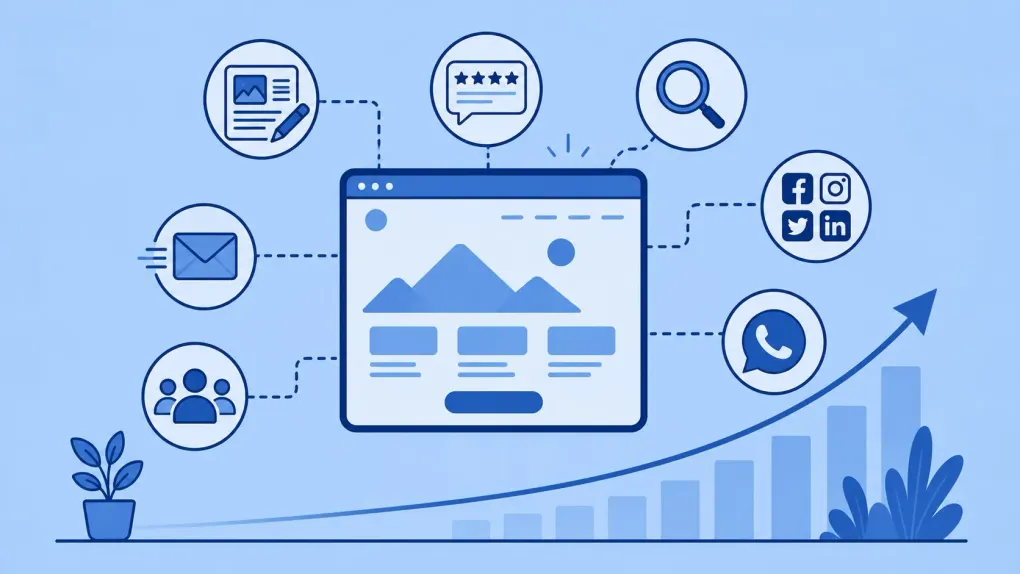
You do not have to invent content from scratch every week.
You can take a page or post from the site and turn it into:
- An Instagram post
- A Facebook post
- A carousel
- A short video
- A WhatsApp Status
- A LinkedIn post
- An email for customers
- A frequent reply
Example:
If you have a page called “Website maintenance services”, you can create from it:
- 3 benefits
- 5 frequently asked questions
- A real case
- A checklist
- A video explaining the service
- A short WhatsApp message
The site can work as the base for your content.
Do not expect results overnight
Digital visibility is built with consistency.
A newly launched site needs time, signals, visits, content, links, reviews, and real activity.
The important thing is to start with simple actions:
- Share the site.
- Update profiles.
- Complete Google Business Profile.
- Ask for reviews.
- Publish useful content.
- Share specific pages.
- Measure what works.
- Repeat.
You do not need to do everything perfectly in the first month. But you do need to do it consistently.
Quick checklist
After launching your site, review this:
- I shared the site on WhatsApp.
- I posted it on Facebook and Instagram.
- I updated the link in my social profiles.
- I added the site to WhatsApp Business.
- I updated Google Business Profile.
- I asked real customers for reviews.
- I shared specific pages, not only the homepage.
- I added the site to my email signature.
- I checked that phone numbers and hours are correct.
- I published at least one useful guide or article.
- I reviewed visits, clicks, or messages received.
- I have a monthly routine to keep sharing.
Conclusion
A website is not just a business card. It is a tool for trust, sales, communication, and positioning.
But for it to work, you need to move it.
Sharing it, updating profiles, asking for reviews, publishing useful content, and keeping it alive are simple actions that help more people find your business.
At ElPuas Digital Crafts, we build websites designed to last, grow, and work in everyday business life. But the best result appears when the site becomes an active part of the business’s communication, not just a saved link.
Did you just launch your site and want to make better use of it?
At ElPuas Digital Crafts, we help businesses build clear, maintainable websites prepared to grow through simple and sustainable actions.