
The biggest threat to your WordPress site is not a hacker: it is neglected maintenance
By Alfredo Navas
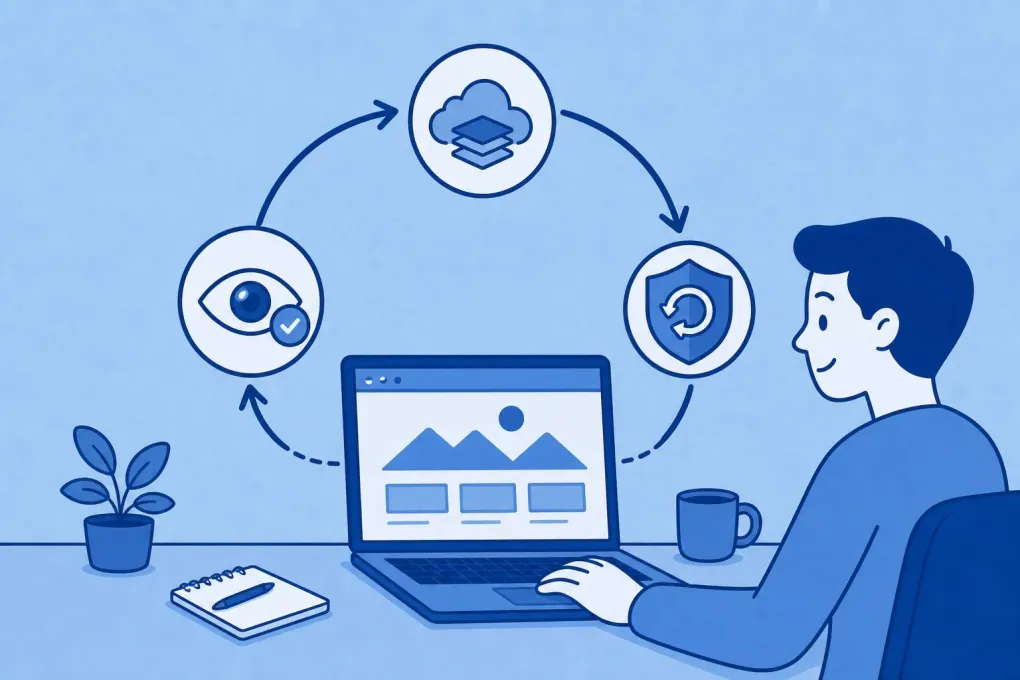
A recent WordPress.com survey asked what the biggest threat to WordPress security would be in 2026.
Fifty-one percent of respondents chose outdated plugins, ahead of brute-force attacks, weak passwords, and nulled or pirated themes.
Patchstack reported that 91% of new vulnerabilities found across the WordPress ecosystem affected plugins. Themes accounted for just 9%, while only a very small fraction involved WordPress core.
This does not mean plugins are bad.
It means every plugin adds code, dependencies, and potential entry points. Risk increases when that software is no longer maintained or a security update is not installed promptly.
A known vulnerability is also a known opportunity
When a flaw is discovered, the developer will usually release an update to fix it.
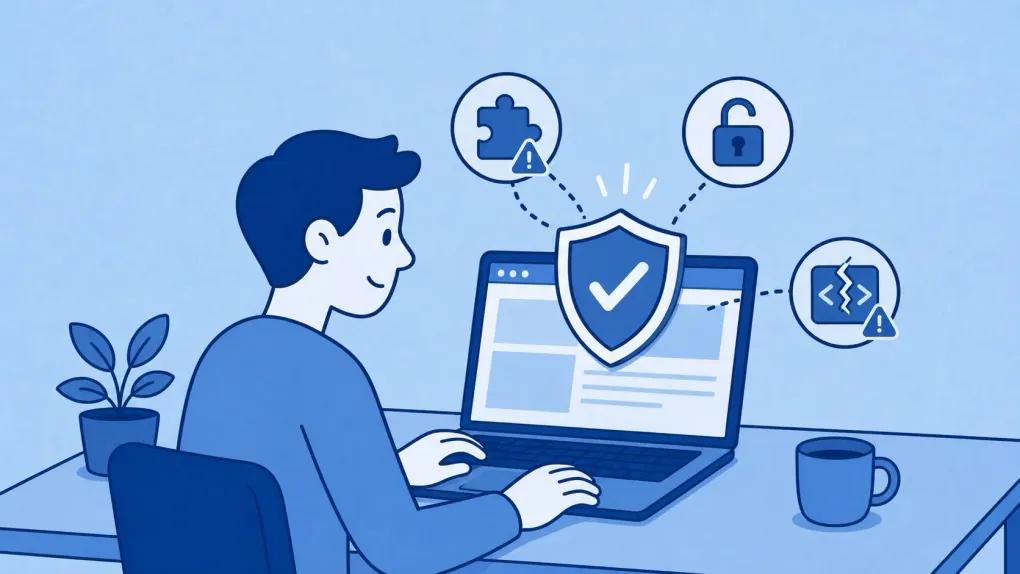
The problem begins when the update is available but the site continues to run the vulnerable version.
Attackers do not always need to discover a new flaw. They can automatically scan for sites still running older versions and target those that remain exposed.
This issue is not unique to WordPress. Verizon’s 2026 DBIR found that 31% of the breaches analyzed began with the exploitation of a software vulnerability, overtaking stolen credentials as the leading initial point of entry for the first time.
In other words, updating late is no longer simply poor technical practice. It is a business risk.
What can happen when your site is not maintained?
For a company, agency, or ecommerce business, an incident can mean:
- Disrupted sales or customer enquiries.
- Redirects to fraudulent sites.
- Unauthorized administrator accounts.
- Stolen or exposed information.
- Damage to the brand’s reputation.
- Lost search visibility.
- Hours or days of work to recover the site.
The true cost is not limited to “fixing WordPress.” It also includes the sales, opportunities, and trust lost while the site is not working properly.
Updates help, but they are not the whole strategy
A protected site needs an ongoing process, not an occasional update whenever someone remembers to log in to the dashboard.
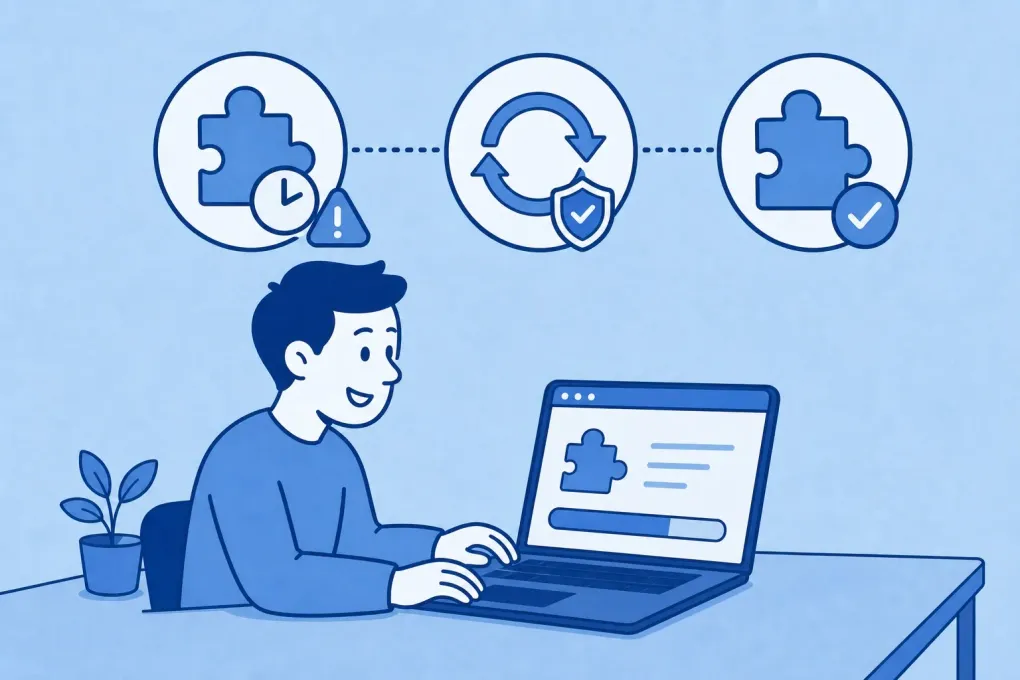
That process should include:
-
A plugin and theme inventory
Know what software is installed, what it is used for, and who maintains it.
-
Controlled updates
Install fixes regularly, checking first that they do not affect forms, purchases, integrations, or critical features.
-
Removal of unnecessary software
A deactivated plugin that remains installed can still contain vulnerable code. If it is not being used, it should be removed.
-
Verified backups
Having a backup is not enough. You also need to confirm that it can be restored correctly.
-
Access protection
Use unique passwords, two-factor authentication, and only the permissions each person needs.
-
Monitoring
Detect unexpected changes, errors, modified files, or vulnerabilities before they become an emergency.
-
Legitimate, maintained software
Pirated themes and plugins may have been modified to include malicious code and do not provide a trustworthy update channel.
Security also means business continuity
Your website may be a storefront, an online shop, a source of leads, or an essential part of your operations.
It should not depend on someone remembering to update it every few months.
At ElPuas Digital Crafts, our work is designed to reduce precisely that risk: keeping WordPress updated, stable, and ready to recover if something goes wrong.
Because the best security incident is the one we manage to prevent.
When was the last time someone properly reviewed the security and maintenance of your WordPress site?